
Cinematic Mode is supported on iPhone 13 and newer models, except iPhone 16e, iPhone 17e and iPhone Air. If your iPhone is older than the iPhone 13 series, it does not support Cinematic Mode in the Camera app.
If you came here asking which iPhones have Cinematic Mode, the short answer is that the list starts with iPhone 13 and runs through iPhone 14, iPhone 15, iPhone 16, iPhone 17, iPhone 18 Pro and iPhone 18 Pro Max, with three exceptions: iPhone 16e, iPhone 17e and iPhone Air. Apple introduced the feature with the iPhone 13 series, and no iOS update adds it to an older phone.
Not every supported phone records the same type of Cinematic video though. iPhone 13 models are limited to 1080p at 30 fps, while iPhone 14 and later supported models can record Cinematic Mode in 4K. The newest models, iPhone 18 Pro and iPhone 18 Pro Max, record it at up to 4K Dolby Vision at 60 fps. So “which iPhones have Cinematic Mode?” is only the first part of the story — video quality is the second.
In the rest of this guide you get a full compatibility table, a breakdown by iPhone generation, and a clear explanation of what changed over time. Once you confirm that your phone is on the list, you can head to CinematicMode.com for hands‑on tutorials, editing walkthroughs, and advanced tips that help you get the most out of this powerful mode.
To understand when to use Cinematic Mode versus regular Video Mode, see our detailed comparison guide.
Key Takeaways
Here is everything you need to know about which iPhones have Cinematic Mode.
- Cinematic Mode first arrived with iPhone 13 in 2021. Every iPhone 13 model supports it. If you are trying to remember which iPhones have Cinematic Mode, everything before iPhone 13 is out and everything from iPhone 13 onward is in, with three exceptions: iPhone 16e, iPhone 17e and iPhone Air.
- Every iPhone 13, 14, 15, 16 and 17 model supports Cinematic Mode, except iPhone 16e, iPhone 17e and iPhone Air. The iPhone 18 Pro and iPhone 18 Pro Max support it too. Apple’s supported-model list does not include any iPhone SE model.
- iPhone 11 and iPhone 12 series phones do not have Cinematic Mode, and no software update can change that, because Apple’s supported-model list starts at the iPhone 13 series. If you want native Cinematic Mode and you own one of those phones, you need at least an iPhone 13 — and an iPhone 14 or newer if you care about 4K output.
- Recording quality ranges from 1080p up to 4K Dolby Vision at 60 fps, depending on the iPhone. iPhone 13 models top out at 1080p at 30 fps, iPhone 14 and newer supported models add 4K, and iPhone 18 Pro and iPhone 18 Pro Max reach 4K Dolby Vision at 60 fps. If you plan to edit or show your videos on large screens, you should think about quality as well as basic compatibility.
Complete Cinematic Mode compatibility list for every supported iPhone model
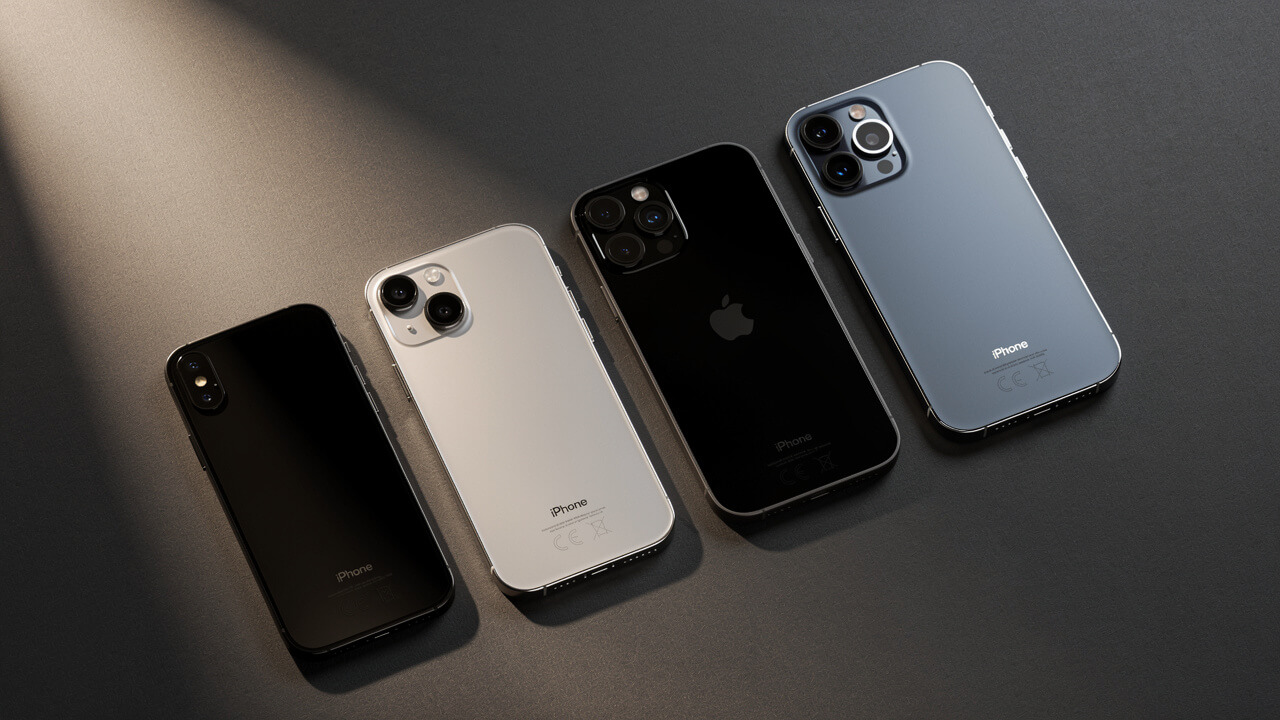
When someone asks which iPhones have Cinematic Mode, the fastest way to answer is with a single clear table. The chart below covers every iPhone model from iPhone 11 through iPhone 18 Pro Max and iPhone Duo, along with all three generations of iPhone SE. Scan down the first column to find your phone, then check whether Cinematic Mode is supported and what the maximum recording quality is.
Remember that the quality listed here is for Cinematic Mode itself, not for standard video recording. Standard video often supports higher frame rates or resolutions, but this guide focuses on the portrait‑style video mode that blurs the background and lets you change focus after the fact.
| iPhone Model | Release Year | Cinematic Mode | Max Recording Quality |
|---|---|---|---|
| ❌ Not Supported — iPhone 11 Series | |||
| iPhone 11 | 2019 | No | Not available |
| iPhone 11 Pro | 2019 | No | Not available |
| iPhone 11 Pro Max | 2019 | No | Not available |
| ❌ Not Supported — iPhone 12 Series | |||
| iPhone 12 | 2020 | No | Not available |
| iPhone 12 mini | 2020 | No | Not available |
| iPhone 12 Pro | 2020 | No | Not available |
| iPhone 12 Pro Max | 2020 | No | Not available |
| ❌ Not Supported — iPhone SE (all generations) | |||
| iPhone SE (1st generation) | 2016 | No | Not available |
| iPhone SE (2nd generation) | 2020 | No | Not available |
| iPhone SE (3rd generation) | 2022 | No | Not available |
| ✅ Supported — iPhone 13 Series (1080p) | |||
| iPhone 13 mini | 2021 | Yes | 1080p at 30fps |
| iPhone 13 | 2021 | Yes | 1080p at 30fps |
| iPhone 13 Pro | 2021 | Yes | 1080p at 30fps |
| iPhone 13 Pro Max | 2021 | Yes | 1080p at 30fps |
| ✅ Supported — iPhone 14 Series (4K) | |||
| iPhone 14 | 2022 | Yes | 4K at 24 or 30fps |
| iPhone 14 Plus | 2022 | Yes | 4K at 24 or 30fps |
| iPhone 14 Pro | 2022 | Yes | 4K at 24 or 30fps |
| iPhone 14 Pro Max | 2022 | Yes | 4K at 24 or 30fps |
| ✅ Supported — iPhone 15 Series (4K) | |||
| iPhone 15 | 2023 | Yes | 4K at 24 or 30fps |
| iPhone 15 Plus | 2023 | Yes | 4K at 24 or 30fps |
| iPhone 15 Pro | 2023 | Yes | 4K at 24 or 30fps |
| iPhone 15 Pro Max | 2023 | Yes | 4K at 24 or 30fps |
| ✅ Supported — iPhone 16 Series (4K Dolby Vision) | |||
| iPhone 16 | 2024 | Yes | 4K Dolby Vision at 30fps |
| iPhone 16 Plus | 2024 | Yes | 4K Dolby Vision at 30fps |
| iPhone 16 Pro | 2024 | Yes | 4K Dolby Vision at 30fps |
| iPhone 16 Pro Max | 2024 | Yes | 4K Dolby Vision at 30fps |
| ✅ Supported — iPhone 17 Series | |||
| iPhone 17 | 2025 | Yes | Up to 4K at 30fps |
| iPhone 17 Pro | 2025 | Yes | Up to 4K at 30fps |
| iPhone 17 Pro Max | 2025 | Yes | Up to 4K at 30fps |
| ✅ Supported — iPhone 18 Series (4K at 60fps) | |||
| iPhone 18 Pro | 2026 | Yes | 4K Dolby Vision at 60fps |
| iPhone 18 Pro Max | 2026 | Yes | 4K Dolby Vision at 60fps |
| ✅ Supported — Foldable | |||
| iPhone Duo | 2026 | Yes | 4K Dolby Vision at 60fps |
| ❌ Not Supported — iPhone 16e, iPhone 17e and iPhone Air | |||
| iPhone 16e | 2025 | No | Not available |
| iPhone 17e | 2026 | No | Not available |
| iPhone Air | 2025 | No | Not available |
If you look across the table, you can see a clear dividing line. Every iPhone 13, 14, 15, 16 and 17 model supports Cinematic Mode, except iPhone 16e, iPhone 17e and iPhone Air, and the iPhone 18 Pro, iPhone 18 Pro Max and iPhone Duo support it too. Every older iPhone does not. Apple’s supported-model list starts at the iPhone 13 series. Once you know where your phone sits, you can use CinematicMode.com to dive into guides made for that exact model and its recording limits.
Does iPhone 13, 14, 15, 16, 17, and 18 have Cinematic Mode?
Every model in the iPhone 13, 14 and 15 series has Cinematic Mode built into the Camera app. The iPhone 16 and iPhone 17 series have it too, except iPhone 16e, iPhone 17e and iPhone Air. There are real differences in resolution and advanced features though, so the answer to “which iPhones have Cinematic Mode?” is more than a simple yes or no. This section walks through each generation so you can see what you gain if you move up from one series to the next.
iPhone 13 series — where it all started
If you have any iPhone 13 model, then yes, you already have Cinematic Mode. The feature launched with iPhone 13 mini, iPhone 13, iPhone 13 Pro, and iPhone 13 Pro Max in late 2021, and all four phones share the same core feature set. That means automatic subject detection, smooth focus changes as people move, and the ability to tap and change focus later inside the Photos app.
The main limit for the iPhone 13 family is resolution. Cinematic Mode on these phones records only in 1080p at 30 frames per second, so you do not get 4K here. The Pro models add better lenses and more storage options, but they do not add extra Cinematic Mode settings. If you are happy with 1080p for social media and home viewing, iPhone 13 works well; if you care about 4K, you should look at iPhone 14 or newer.
iPhone 14 series — the 4K upgrade
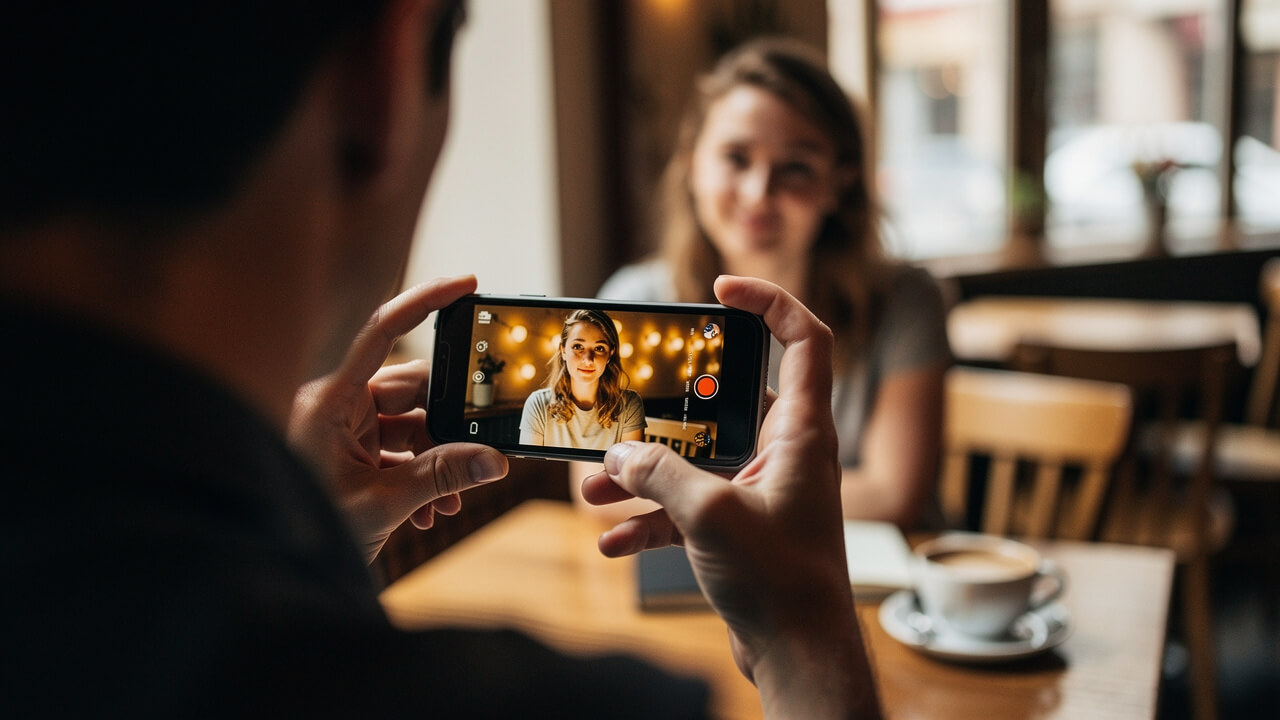
The iPhone 14 lineup is where Cinematic Mode makes its big leap. All four phones — iPhone 14, iPhone 14 Plus, iPhone 14 Pro, and iPhone 14 Pro Max — can record Cinematic video in 4K at both 24 and 30 frames per second. That 4K support answers “which iPhones have Cinematic Mode?” in a way that matters to serious creators, because 4K holds up far better on large screens and in editing.
The Pro models add stronger camera hardware and more advanced video options, but in day‑to‑day use the Cinematic Mode controls look very similar across all four phones. If you want the lowest‑cost way to shoot 4K Cinematic Mode, the standard iPhone 14 is the entry point.
iPhone 15 series — Apple Log video
The iPhone 15 family keeps the 4K Cinematic Mode options. Every model — iPhone 15, iPhone 15 Plus, iPhone 15 Pro, and iPhone 15 Pro Max — is on Apple’s supported list, so you do not lose Cinematic Mode by picking a non‑Pro phone. What changes is how far you can push the footage in post‑production, especially if you care about color grading.
iPhone 15 Pro and iPhone 15 Pro Max also add Apple Log video recording. iPhone 15 Pro and newer also support Spatial Video recording. See our complete guide on how to use iPhone spatial video.
Apple Log records a flatter color profile that keeps more detail in shadows and highlights, so you have more room to grade in apps like Final Cut Pro or DaVinci Resolve.
iPhone 16 and iPhone 17 series — Camera Control and 4K Dolby Vision
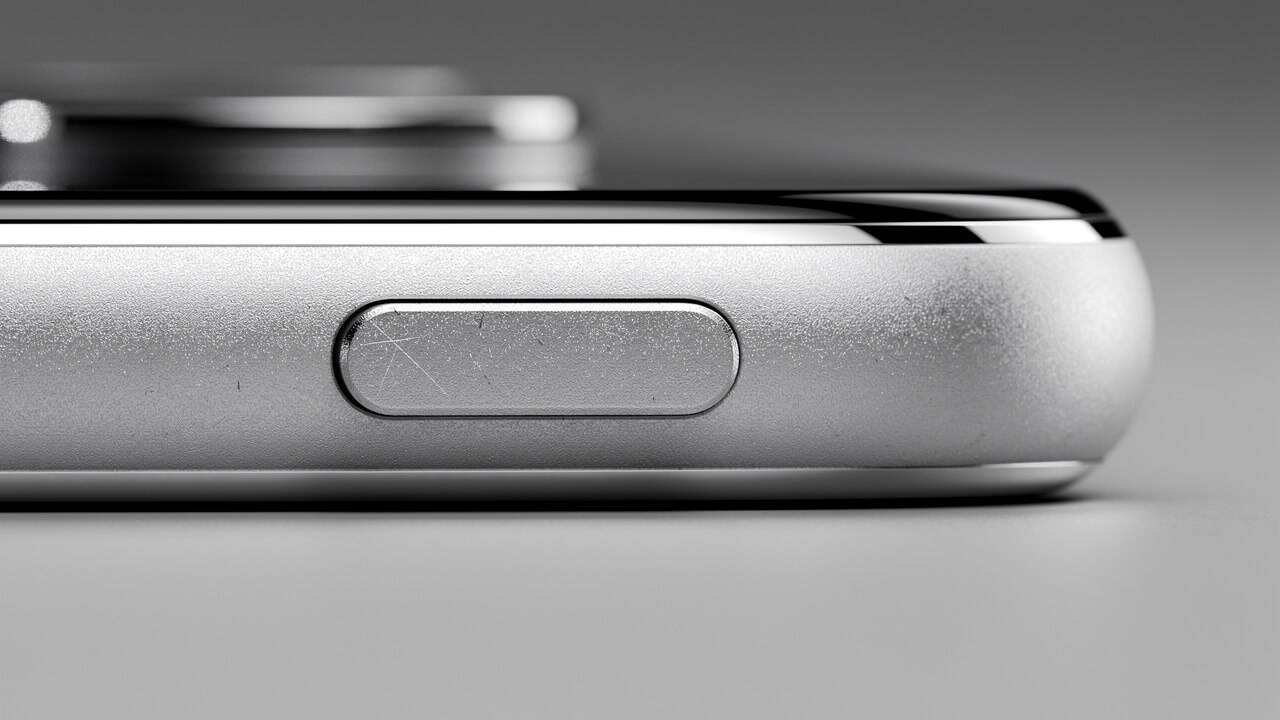
With the iPhone 16 lineup, Cinematic Mode gets better hardware controls instead of just more pixels. All four models — iPhone 16, iPhone 16 Plus, iPhone 16 Pro, and iPhone 16 Pro Max — include a new Camera Control button on the right side of the phone. You can use this button to adjust settings, including the depth-of-field effect, without jabbing at the screen, which feels much more natural when you are filming people.
All iPhone 16 models except the 16e can record Cinematic Mode in up to 4K Dolby Vision at 30 fps, which gives richer color and better highlight control on supported displays. The iPhone 16 lineup also supports Spatial Video. Learn how to shoot iPhone spatial video for better 3D footage.
The iPhone 17 series records Cinematic Mode in 4K at 30 fps. The newest phones go further, as the next section shows.
iPhone 18 series — 4K Cinematic Mode at 60 fps
Apple announced the iPhone 18 Pro and iPhone 18 Pro Max on September 9, 2026, and they went on sale on September 18. Both phones have Cinematic Mode. Apple’s tech specs list it at up to 4K Dolby Vision at 60 fps, up from 4K at 30 fps on the iPhone 17 series. Apple has not released a standard iPhone 18 yet.
The iPhone 18 Pro and iPhone 18 Pro Max also add Cinematic mode effects from video. On these phones you can apply the Cinematic effect to a video you recorded in Video mode with the Main camera, even if you did not record it in Cinematic mode. Open the video in Photos, tap Edit, then tap Cinematic.
To record Cinematic Mode at 4K and 60 fps, open Settings, tap Camera, tap Record Cinematic, and select 4K at 60 fps. A minute of video at that setting takes roughly 400 MB, so check your storage first.
The foldable iPhone Duo goes on sale on October 23, 2026. It is reported to support Cinematic Mode up to 4K Dolby Vision at 60 fps as well.
At this point, when someone asks which iPhones have Cinematic Mode at the very highest level, the honest answer is the iPhone 18 Pro and iPhone 18 Pro Max.
Does iPhone 11 or 12 have Cinematic Mode?
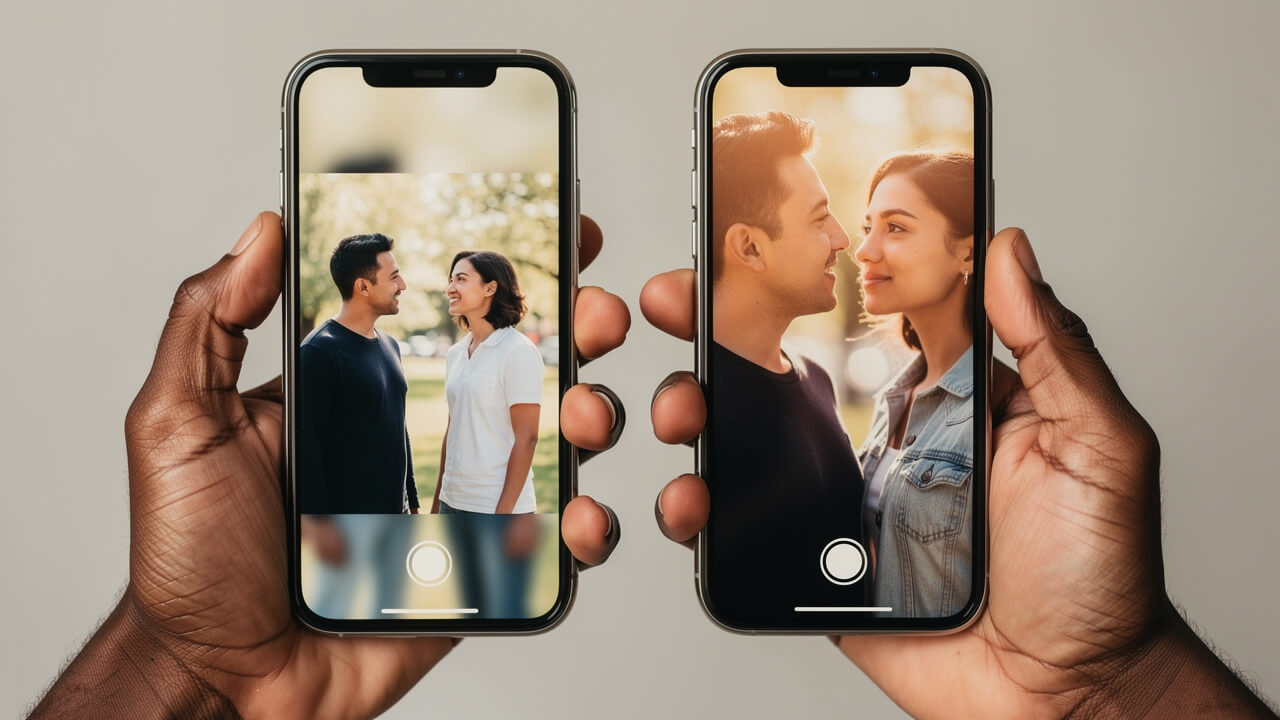
If you use an iPhone 11 or any iPhone 12 model, the answer is no. None of the iPhone 11 or iPhone 12 series phones have Cinematic Mode in the Camera app, and there is no way to add it through a software update. That can feel confusing, because those phones still get modern versions of iOS, but Apple’s supported-model list starts at the iPhone 13 series.
iPhone 11 runs on the A13 Bionic chip, and iPhone 12 runs on the A14 Bionic chip. Cinematic Mode launched on the iPhone 13 series, and Apple has not added it to earlier phones with an update.
You still have ways to get a film‑style look on iPhone 11 or 12 if you are willing to work a little harder. Third‑party camera apps can give you full manual control over shutter speed, ISO, and focus so you can pick settings that feel more like movie footage. Editing apps can add blur and color grading after you shoot, and framing, lighting, and careful camera moves will always help your video stand out.
If you are on iPhone 12 and you want true Cinematic Mode, upgrading to at least an iPhone 13 is the first step, and iPhone 14 is better if you care about 4K. CinematicMode.com has guides that show you both how to mimic the effect on older phones and how to use the real thing when you move to a supported iPhone.
Why Is Cinematic Mode Not Available on Older iPhones?
If your iPhone is not on the supported list, no setting or update will add Cinematic Mode. Apple introduced the feature with the iPhone 13 series in September 2021, and its list of supported models starts there. Apple does not publish the technical requirements, so it does not say exactly why some phones are left out.
Why iPhone 11 and 12 Don’t Qualify
Cinematic Mode launched on the iPhone 13 series. Apple has not added it to the iPhone 11 or iPhone 12 families, so it will not appear on those phones whatever iOS version you install.
Why iPhone 16e, iPhone 17e and iPhone Air Don’t Have It
Apple does not list Cinematic Mode in the tech specs for these three newer phones, and it does not explain why. The iPhone 16e specs list Cinematic video stabilization, which is a different feature that smooths shaky footage. If you want Cinematic Mode at a lower price, the standard iPhone 16 or iPhone 17 is the model to buy.
What changed in Cinematic Mode with each new iPhone generation
Now that you know which iPhones have Cinematic Mode, it helps to see how the feature improved over time. Each new generation added something meaningful, from higher resolution to better controls and pro‑level formats. Thinking of it as a timeline makes it easier to decide whether your current phone is enough or if a newer model would give you tools you would actually use.
iPhone 13 is the starting point. It brought Cinematic Mode to the iPhone line with 1080p recording at 30 frames per second and automatic subject detection that could pull focus between faces and objects. You could also tap to set and lock focus while recording, then change focus points and adjust blur strength later inside the Photos app. The effect looked impressive at the time, but many creators wished for 4K.
iPhone 14 delivered that wish. With this generation Apple added 4K Cinematic recording at both 24 and 30 frames per second across the whole lineup. That change made a huge difference if you edit your work, crop into a shot, or watch on a large screen, since there is far more detail in each frame.
iPhone 15 Pro focused on pro workflows instead of raw resolution. Cinematic Mode stayed at 4K, and the Pro and Pro Max models added Apple Log video recording. Log keeps more dynamic range so you can push colors much harder in apps like Final Cut Pro and DaVinci Resolve without breaking the image.
iPhone 16 put a big emphasis on how you control the camera. The Camera Control button on all iPhone 16 models lets you launch the camera and adjust settings, including the depth-of-field effect, without touching the screen. All iPhone 16 models except the 16e also get 4K Dolby Vision Cinematic Mode, which pairs the shallow depth‑of‑field effect with high‑dynamic‑range color. The iPhone 17 series kept 4K at 30 fps.
iPhone 18 Pro and iPhone 18 Pro Max raised Cinematic Mode to 4K Dolby Vision at 60 fps and added Cinematic effects for regular video, so you can apply the blur effect to a clip you did not record in Cinematic Mode.
Here is a quick summary of the progression in table form.
| Generation | Key Cinematic Mode Change |
|---|---|
| iPhone 13 series | First version — 1080p at 30fps, automatic subject detection |
| iPhone 14 series | 4K at 24 and 30fps across the whole lineup |
| iPhone 15 Pro | Apple Log video recording on Pro models |
| iPhone 16 series | Camera Control button and 4K Dolby Vision Cinematic Mode |
| iPhone 17 series | 4K at 30fps |
| iPhone 18 Pro | 4K Dolby Vision at 60fps, and Cinematic effects can be added to regular video |
If you want to go deeper, see our Cinematic Mode tips guide and our comparison of Cinematic Mode and regular video.
How to use Cinematic Mode on your iPhone
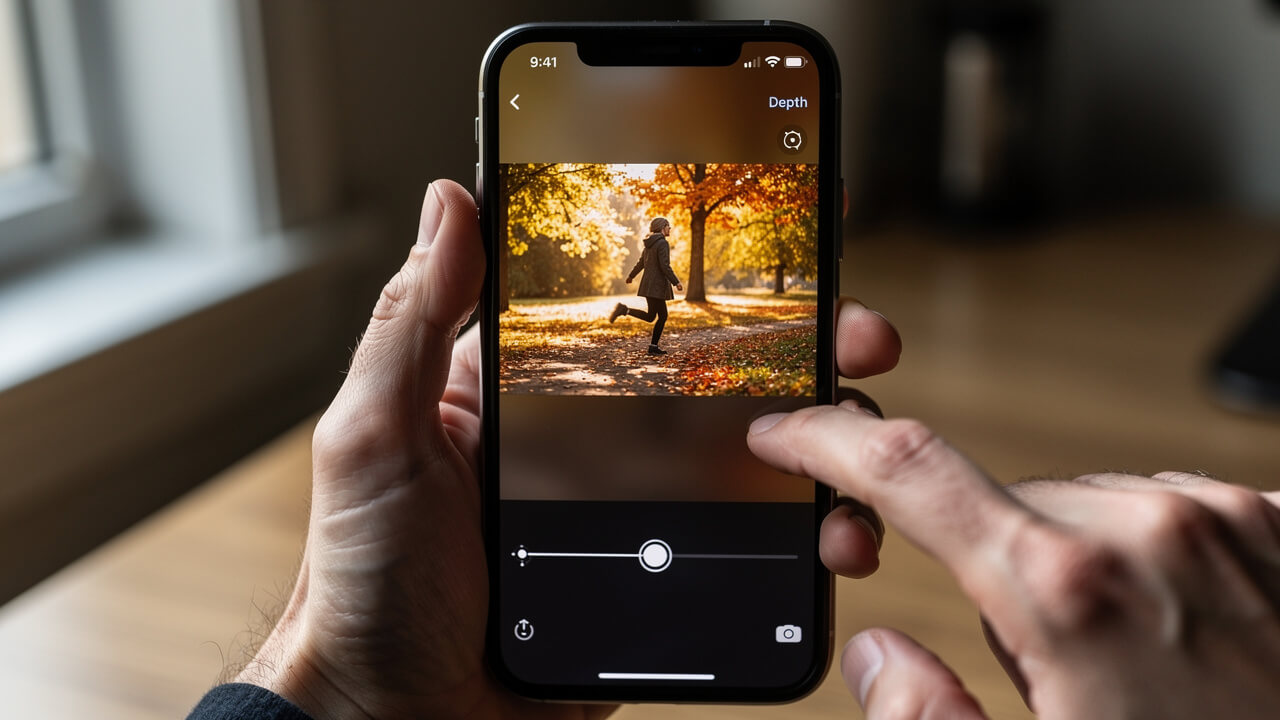
Once you know which iPhones have Cinematic Mode and you confirm that yours is on the list, the next step is actually using it. The good news is that Apple hides the hard work behind a very simple interface, so you can get started in a few minutes and get better each time you shoot.
- Open the Camera app on your iPhone and look at the mode names near the shutter button, such as Photo and Video. Swipe across that strip until you see Cinematic, then stop when it is centered and highlighted. You are now in the right mode for portrait‑style video with background blur.
- Before you hit record, tap the Camera Controls button, then tap Depth to pick how strong you want the blur to look. A lower f‑number gives more blur and a very shallow depth of field, while a higher number keeps more of the scene in focus. Take a moment to frame your subject a few feet in front of the background for the best effect.
- Press the red Record button, or press either Volume button, to start recording. As you shoot, watch for yellow and gray boxes that show which subject the phone is tracking. If the wrong person is in focus, tap the gray box on the subject you care about and it will switch to yellow and pull focus to them.
- If you want focus to stay fixed at one distance, touch and hold on the screen to lock the focus at a single distance. This lock keeps new people from stealing focus when they walk through the frame, which is useful for interviews or any scene where you want one person to stay sharp. On iPhone 16 and newer, you can also use the Camera Control button on the side of the phone to adjust the depth effect without touching the screen, which helps you avoid shaking the shot.
- After you finish recording, open the Photos app and tap your clip, then tap Edit. You can adjust the blur strength again with the Depth Control button, tap a subject outlined in yellow to change which subject is in focus, and even turn the Cinematic effect off and on to compare. You can revert a Cinematic Mode video to the original after saving, so you can keep trying new focus choices until the story feels right.
If you want to go past the basics, read our Cinematic Mode tips guide for focus pulls, lighting, and shooting advice that most people never discover on their own.
Conclusion
This guide has covered every detail on which iPhones have Cinematic Mode so you can make a confident decision.
When someone asks which iPhones have Cinematic Mode, the answer is clear. Every iPhone 13, 14, 15 and 16 model supports it, except iPhone 16e. So do iPhone 17, iPhone 17 Pro, iPhone 17 Pro Max, iPhone 18 Pro and iPhone 18 Pro Max. iPhone 17e, iPhone Air, every iPhone SE and every phone older than the iPhone 13 do not. Apple’s supported-model list starts with the iPhone 13 series, so no update can give an iPhone 11 or 12 this mode.
The feature itself has grown fast. It began at 1080p on iPhone 13, jumped to 4K on iPhone 14, picked up a Camera Control button and 4K Dolby Vision on iPhone 16, and reached 4K Dolby Vision at 60 fps on iPhone 18 Pro. Once you know where your phone fits on that ladder, you can decide whether to stick with what you have or plan an upgrade.
If your phone is on the supported list and you want to go further than simple blur, visit CinematicMode.com. You will find model‑specific tips, editing tutorials, and clear explanations that help you turn this smart feature into real storytelling power.
FAQs
Does iPhone 12 have Cinematic Mode?
iPhone 12 does not have Cinematic Mode. That is true for every phone in the iPhone 12 family, including iPhone 12 mini, iPhone 12, iPhone 12 Pro, and iPhone 12 Pro Max. Apple’s supported-model list starts at the iPhone 13 series, and no iOS update adds it to earlier phones. If you want native Cinematic Mode you need at least an iPhone 13, and an iPhone 14 or newer if 4K video matters to you.
Does iPhone 11 have Cinematic Mode?
iPhone 11 does not support Cinematic Mode either. Apple’s supported-model list starts at the iPhone 13 series. No app can fully copy the native mode, although you can use third‑party tools and careful shooting techniques to get a similar shallow depth‑of‑field look. CinematicMode.com has guides that walk through those options for people who want a film‑style feel without upgrading right away.
Which is the oldest iPhone with Cinematic Mode?
The oldest iPhones with Cinematic Mode are the iPhone 13 models released in 2021. That includes iPhone 13 mini, iPhone 13, iPhone 13 Pro, and iPhone 13 Pro Max, and all of them record Cinematic video in 1080p at 30 frames per second.
Does iPhone 16e have Cinematic Mode?
iPhone 16e does not have Cinematic Mode, even though it is a newer phone. Apple’s tech specs for the iPhone 16e do not list it. They list Cinematic video stabilization, which is a different feature that smooths shaky footage. The 16e has a single rear camera, but Apple has not said that is the reason. If you want Cinematic Mode at the lowest price point in this generation, the standard iPhone 16 is the model to look at.
Does iPhone 18 have Cinematic Mode?
Yes, the iPhone 18 Pro and iPhone 18 Pro Max have Cinematic Mode, and they record it at up to 4K Dolby Vision at 60 fps. Apple has not released a standard iPhone 18 yet, so there is no Cinematic Mode information for it.